Awareness Hub
Posters & Educational Materials
Educational materials to help everyone stay safe from cyber threats.
Educational posters
Posters are in Indonesian.
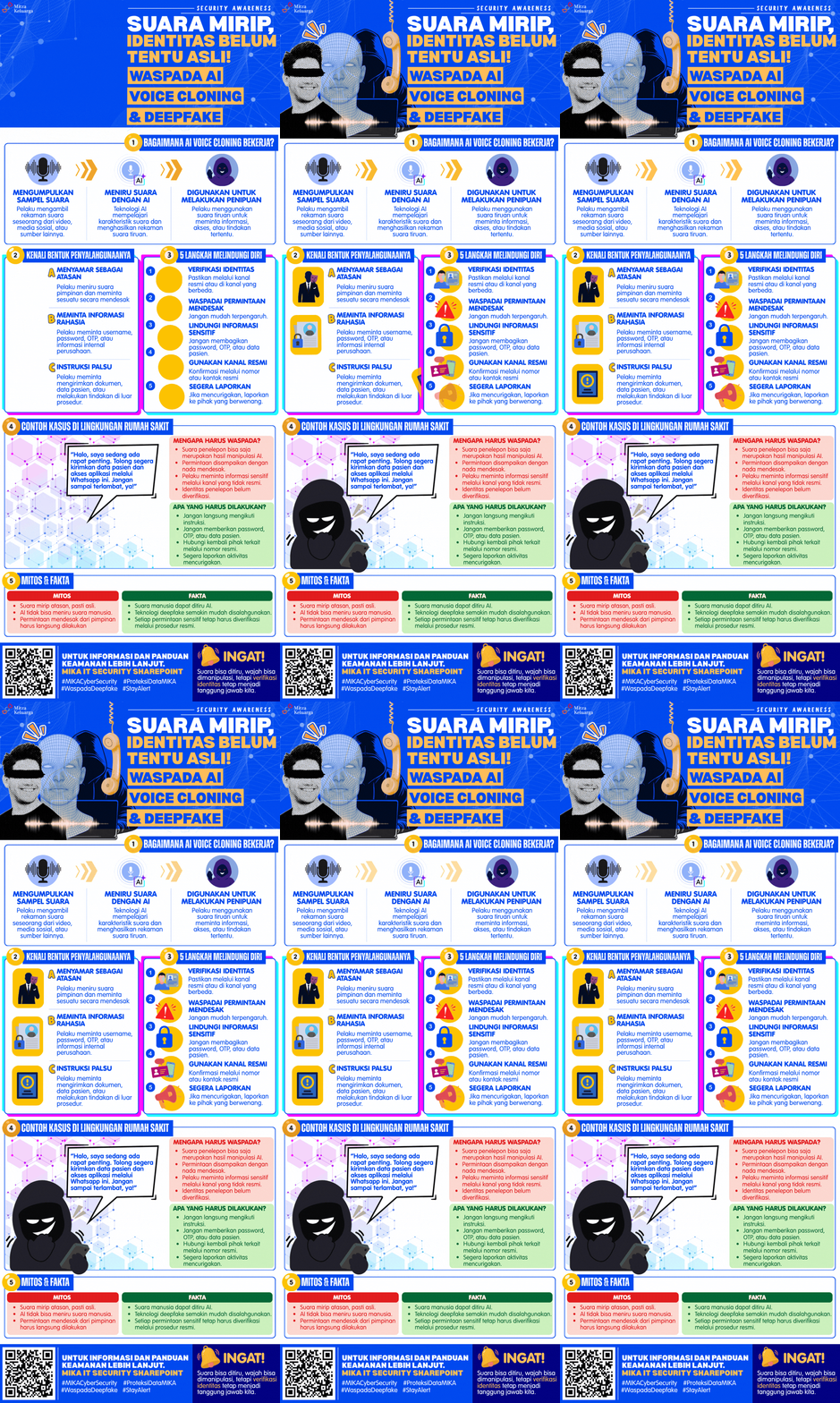
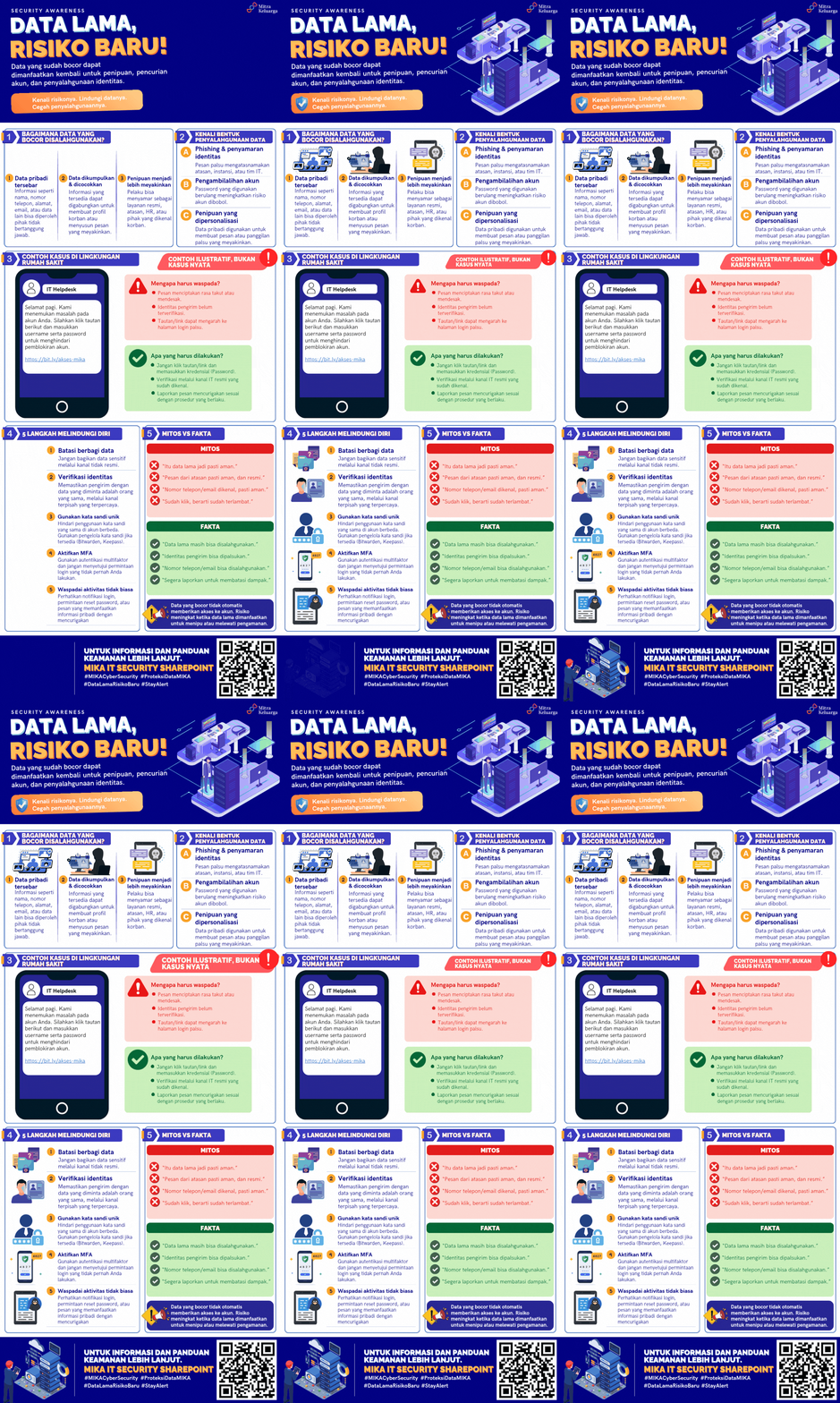
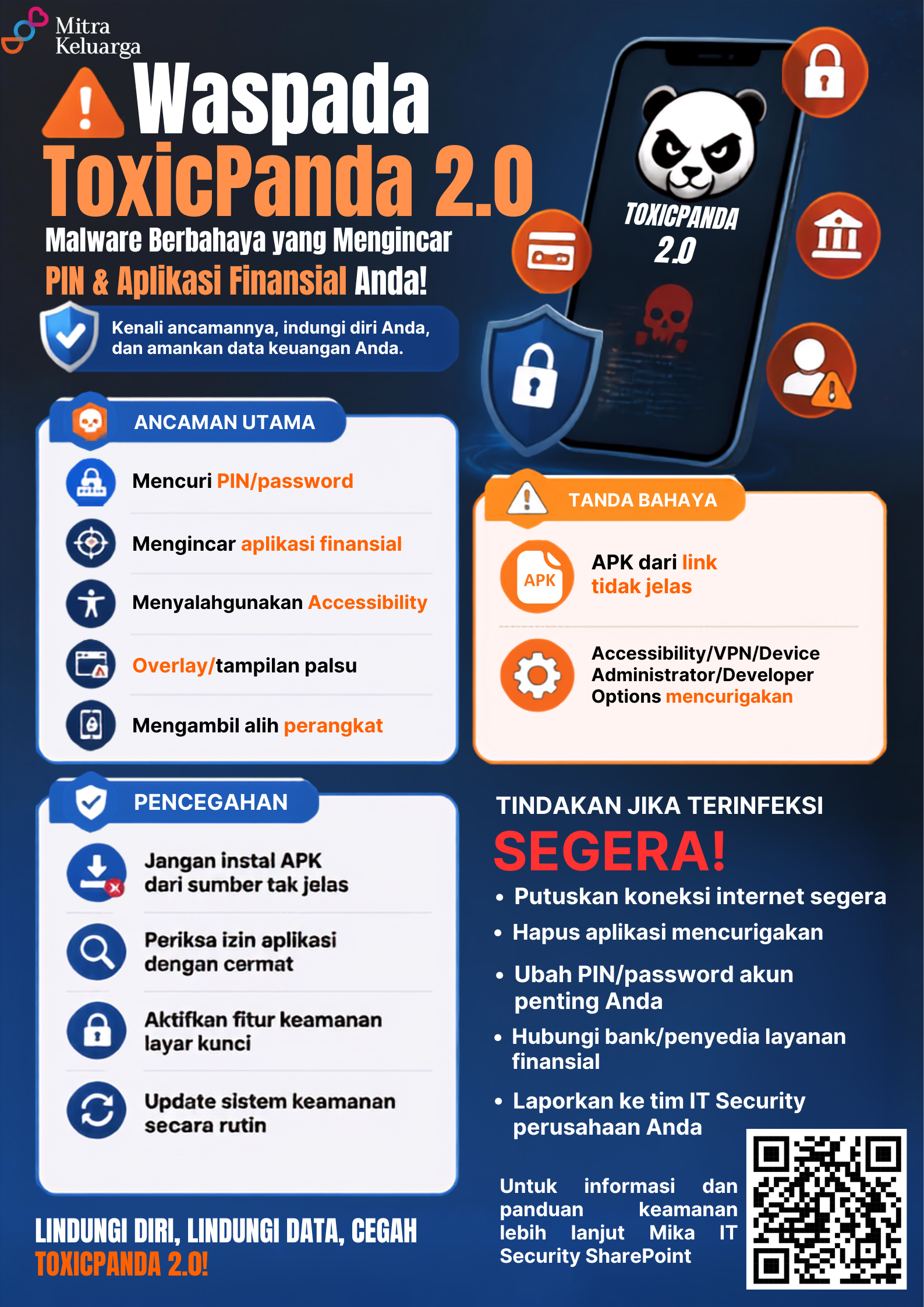
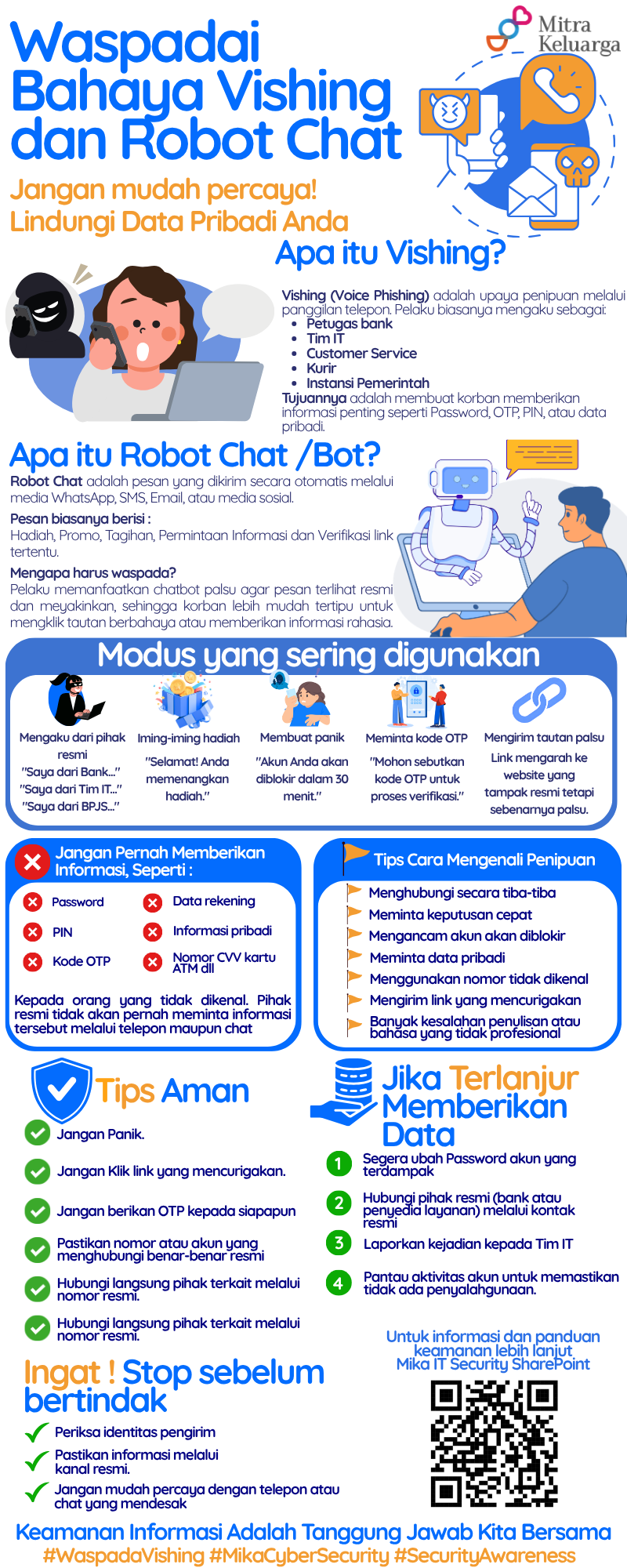
Security tips
Watch out for phishing
Do not click links or attachments from unknown emails. Check the sender address carefully.
Strong passwords
Use a long, different passphrase for each account. Turn on two-factor authentication (2FA) where available.
Keep things updated
Update your operating system, browser, and apps so security holes are closed.
Lock your device
Lock your screen when you leave your computer, and never leave a device unlocked.
Be careful with files
Do not open files from untrusted sources. Report it if in doubt.
Report quickly
If you think you are a victim or notice something odd, report it to CSIRT MIKA as soon as possible.
Announcements
Frequently asked questions
What should I do if I receive a suspicious email?
Do not click links or attachments, and do not reply. Report the email to CSIRT MIKA through the Report an Incident page, then delete it.
How do I report an incident?
Follow the steps on the Report an Incident page: email your report and evidence to CSIRT MIKA. For urgent incidents, contact CSIRT on WhatsApp during service hours.
Is my report kept confidential?
Yes. All information received by CSIRT MIKA is kept confidential.
May I share these awareness materials?
Of course. The tips and posters on this page are made to be shared in the workplace.